


自迁移出 MediaWiki 以来,本页内容尚未经过审查。如果您愿意帮忙,请查看帮助指南!
当单击斐济菜单中的第§§0§§§时,将会打开一个可编写宏脚本的对话框,如下所示:
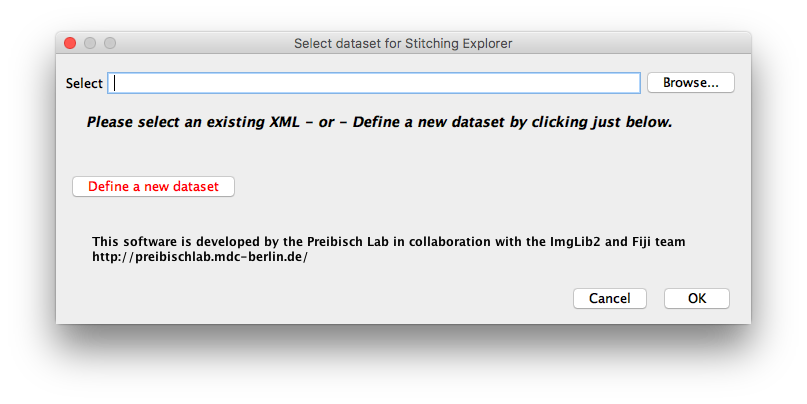
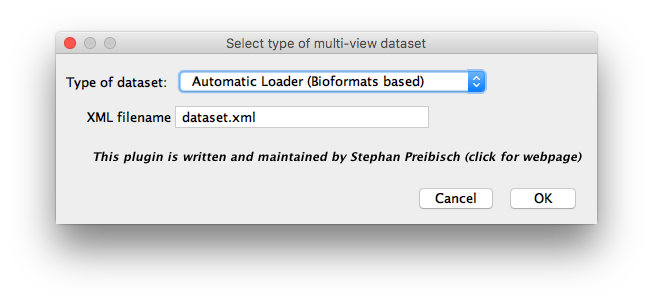 Select the importer and the name of the xml file to save the metadata to.
In order to define a new dataset, please click the respective button on the left side of the dialog. This will open a new window in which you can define how to import the image data. Since there is huge variety of data formats produced by various microscopy companies and self-built setups, we developed multiple types of importers:
自动加载器是一个综合导入器,应该可以处理大多数图像数据。我们强烈建议您将导入器作为首选,如果您遇到任何问题,请继续使用其他选项之一。
手动加载器(生物格式)可用于导入由多个堆栈组成的数据集,这些堆栈可使用LOCI Bioformats打开。需要根据文件名中的模式将堆栈手动分配给角度、图块或照明。
手动加载器(仅限TIFF,ImageJ Opener))可用于导入由多个堆栈组成的数据集,这些堆栈可直接由ImageJ打开。需要根据文件名中的模式将堆栈手动分配给通道、照明、角度、图块或照明。
用于导入由 Zeiss Lightsheet Z.1 显微镜 生成的 CZI 文件的单一用途加载程序。
用于导入MicroManager生成的diSPIM数据集的单一用途加载程序。
注意:目前每个目录仅支持一个 xml,即使它们具有不同的文件名。
